
Blog · Smart building
Presence Sensors on Zigbee and Wi-Fi: Which Ones to Use in an Office, Clinic or Shop
Aqara, SONOFF, SwitchBot, Shelly, Apollo and Everything Presence compared — with photos, a response-time forecast, real battery life and safe network setup.
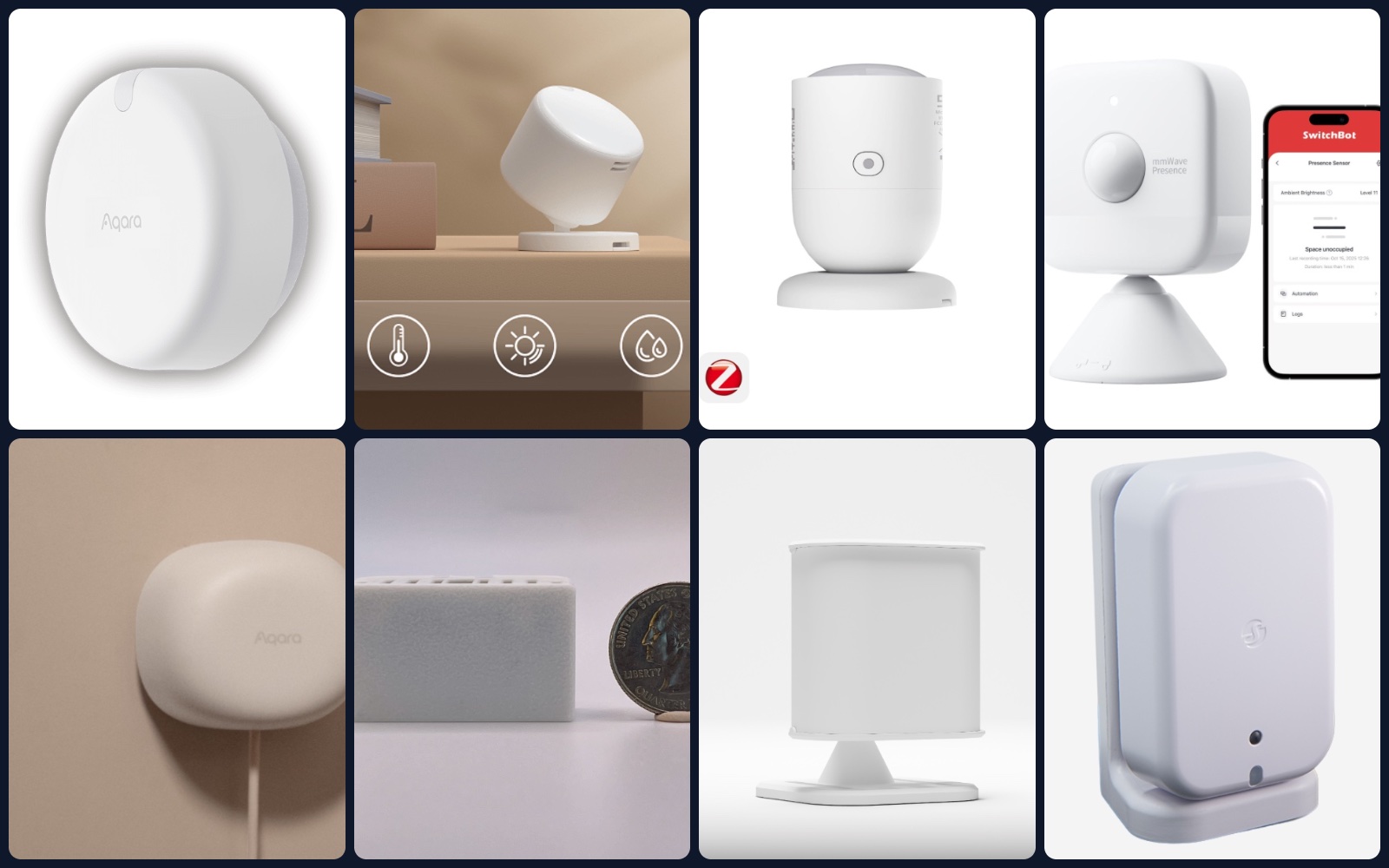
A motion sensor turns the lights off on someone who is sitting still at a desk. A presence sensor does not: a millimeter-wave (mmWave) radar notices the tiny movements of breathing, so it knows a person is still in the room. For offices, clinics, restaurants and shops this means lights, heating and cooling that follow real occupancy, meeting rooms that show “busy” correctly, and an alert when someone is in the building after hours — without a single camera.
We compared the presence sensors our clients ask about most, on Zigbee and Wi-Fi (plus the Bluetooth and Thread models that sit in between): Aqara, SONOFF, SwitchBot, Shelly, Apollo and Everything Presence. Below: what each one is good for, a forecast of how fast each one reacts, what we learned about batteries, and how to put them on a business network safely.
Zigbee, Wi-Fi, Thread or Bluetooth: what changes for you
| Zigbee | Wi-Fi | Thread / Bluetooth | |
|---|---|---|---|
| Needs | A Zigbee coordinator (hub or USB/PoE stick with Home Assistant) | Only your Wi-Fi | A Thread border router or a Bluetooth hub/gateway |
| Battery models | Years on a coin cell | Short — see below | 1–5 years |
| Network load | Own mesh; mains-powered devices repeat the signal | One more client per sensor on your Wi-Fi | Low |
| Best for | Many sensors in one building | A few sensors with rich features (zones, tracking) | Battery sensors where there is no outlet |
From our own installs: a battery-powered Wi-Fi sensor lasts about two months. Wi-Fi radios use too much power to stay connected, so these sensors sleep, wake up on movement, reconnect and only then report — which also makes them the slowest to react. For battery sensors, choose Zigbee, Thread or Bluetooth; keep Wi-Fi for sensors with a USB power supply.
The sensors
Prices are the manufacturers’ store prices at the time of writing; they change often and differ by country.
Aqara FP2 — Wi-Fi, zones and several people
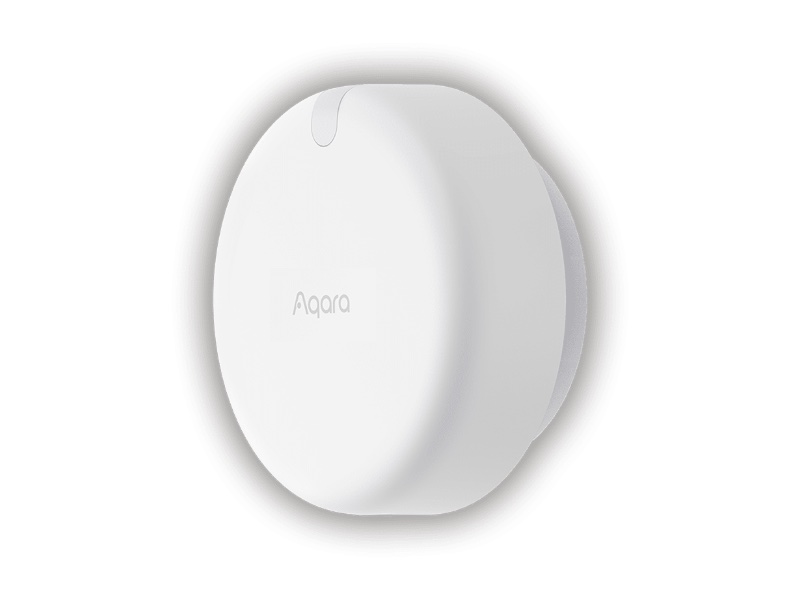
- Radio: Wi-Fi (2.4 GHz), no hub needed; works with Apple Home, Alexa, Google Home and Home Assistant.
- Sensing: mmWave radar, built-in light sensor; covers a room of up to 40 m² (about 430 sq ft).
- Zones: up to 30 zones and up to 5 people at once — “desk”, “door”, “sofa” become separate sensors. Fall detection when mounted on the ceiling.
- Power: USB-C, always on.
- Best for: open offices, reception areas, a large meeting room where you want to know where people are.
Aqara FP300 — battery, PIR + radar, Zigbee or Thread
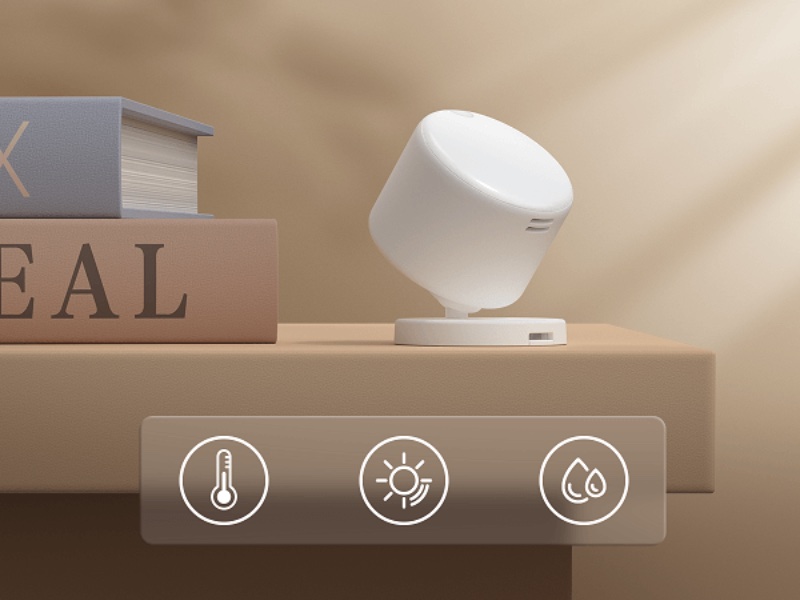
- Radio: Zigbee or Thread (Matter) — you choose.
- Sensing: PIR for a fast first reaction plus 60 GHz radar for people sitting still; also light, temperature and humidity. 120° field of view, up to 6 m.
- Power: two CR2450 coin cells, up to 3 years on Zigbee and up to 2 years on Thread (manufacturer’s figures).
- Not included: the zones, multi-person tracking and fall detection of the FP2.
- Best for: offices, exam rooms and restrooms where there is no outlet in the right spot.
Aqara FP1E — simple Zigbee radar
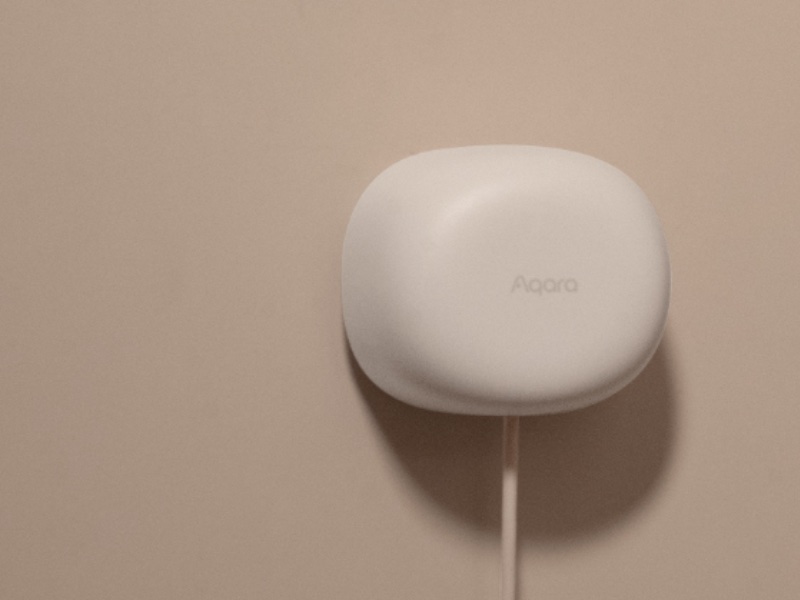
- Radio: Zigbee — needs an Aqara hub or another Zigbee coordinator.
- Sensing: mmWave radar, one detection area (no zones), automatic filtering of interference.
- Power: USB, always on.
- Best for: “is anyone in this room?” — private offices, small meeting rooms.
SONOFF SNZB-06P — the budget Zigbee option
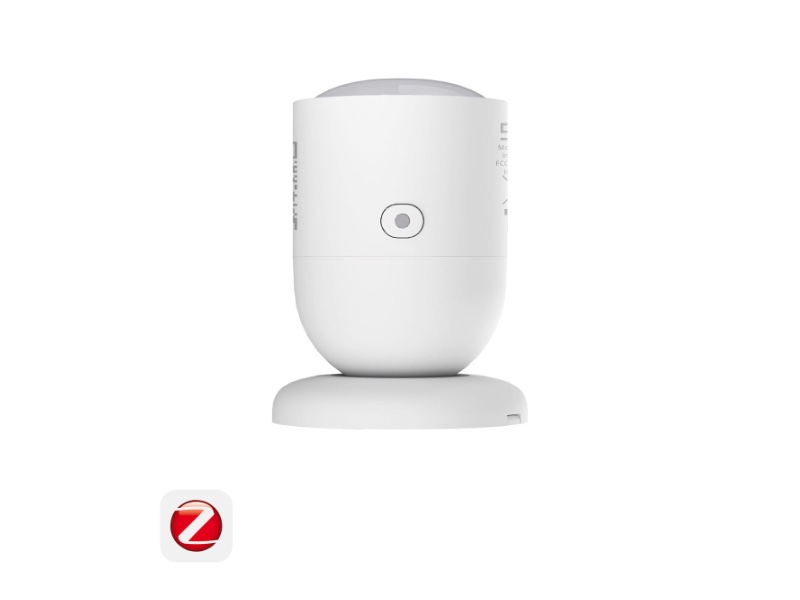
- Radio: Zigbee 3.0; also works as a Zigbee router that strengthens the mesh.
- Sensing: 5.8 GHz microwave radar, light sensor, three sensitivity levels, up to 4 m. It also reacts to other moving objects — keep it away from fans and curtains.
- Power: USB. Price: $17.90 in the SONOFF store.
- Best for: covering many small rooms cheaply on an existing Zigbee network.
SwitchBot Presence Sensor — battery, Bluetooth, PIR + radar
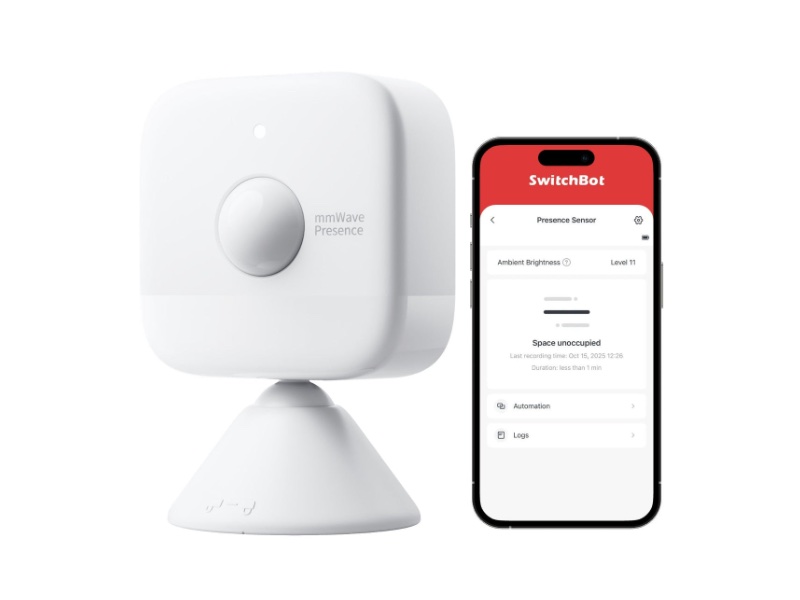
- Radio: Bluetooth; through a SwitchBot hub it reaches Apple Home (via the Matter hub), Home Assistant, Alexa and Google Home.
- Sensing: mmWave radar, PIR and light; 120°, up to 8 m for moving people and 5 m for people sitting still.
- Power: batteries, up to 300 days with typical use (manufacturer’s figure).
- Best for: sites that already use SwitchBot devices.
Shelly Presence Gen4 — Wi-Fi, Zigbee and Matter in one
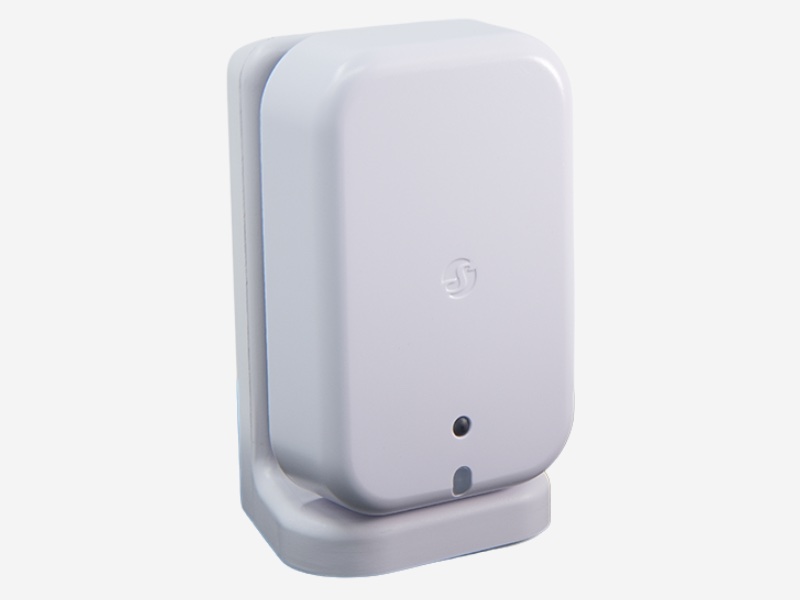
- Radio: Wi-Fi with Matter by default; can be switched to Zigbee (one mode at a time); Bluetooth for setup.
- Sensing: 60 GHz radar, up to 10 zones, several people at once, light sensor.
- Local control: built-in web page, MQTT, webhooks and scripts — no cloud required, which IT teams like.
- Power: USB-C. Price: €69.90 in the Shelly store.
- Best for: businesses that already use Shelly relays and want presence on the same platform.
Shelly BLU Motion — not presence, but a very fast PIR
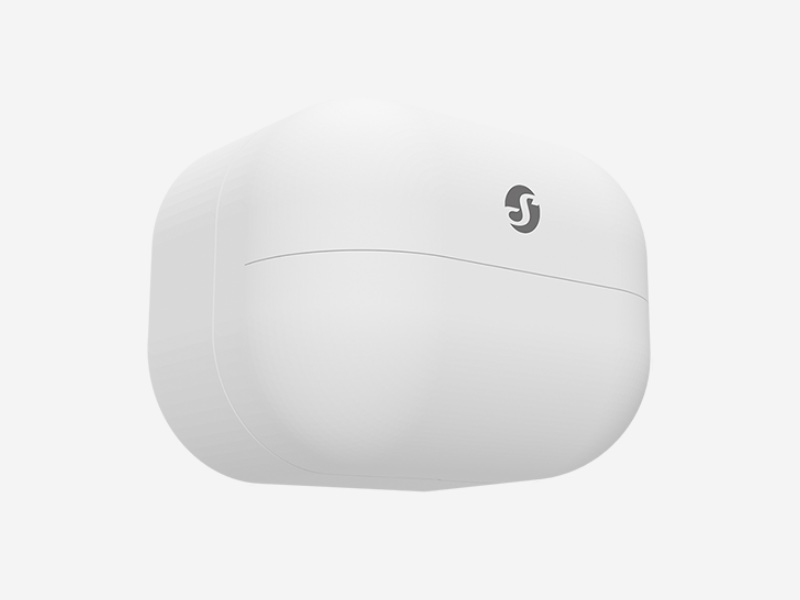
- Radio: Bluetooth; reaches the network through a Shelly gateway or any Shelly Plus, Pro or Gen3 device.
- Sensing: PIR (motion only) and light; up to 9 m, 120°, reacts in under 100 ms.
- Power: one CR2477 coin cell, up to 5 years (manufacturer’s figure). Price: €20.90 in the Shelly store.
- Best for: corridors, entrances and storage rooms, or paired with a radar sensor so the light comes on instantly and stays on while someone is still there.
Apollo MSR-2 — Wi-Fi multisensor for Home Assistant
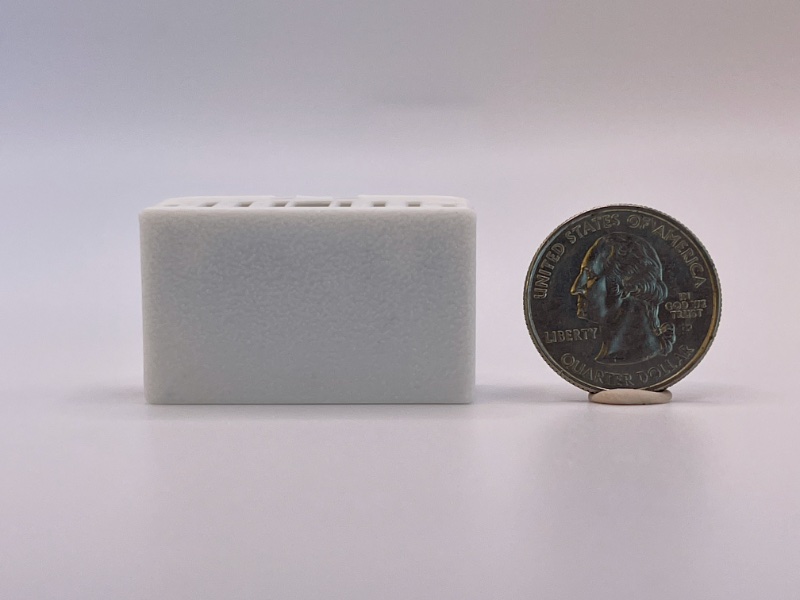
- Radio: Wi-Fi, ESPHome — fully local in Home Assistant; can also act as a Bluetooth proxy.
- Sensing: 24 GHz radar (LD2410B) plus environment sensors; an add-on CO₂ sensor shows when a meeting room needs fresh air.
- Power: USB-C. Price: $37.99 in the Apollo store.
- Best for: meeting rooms and classrooms where air quality matters as much as occupancy.
Everything Presence Lite and One — open-source, with target tracking
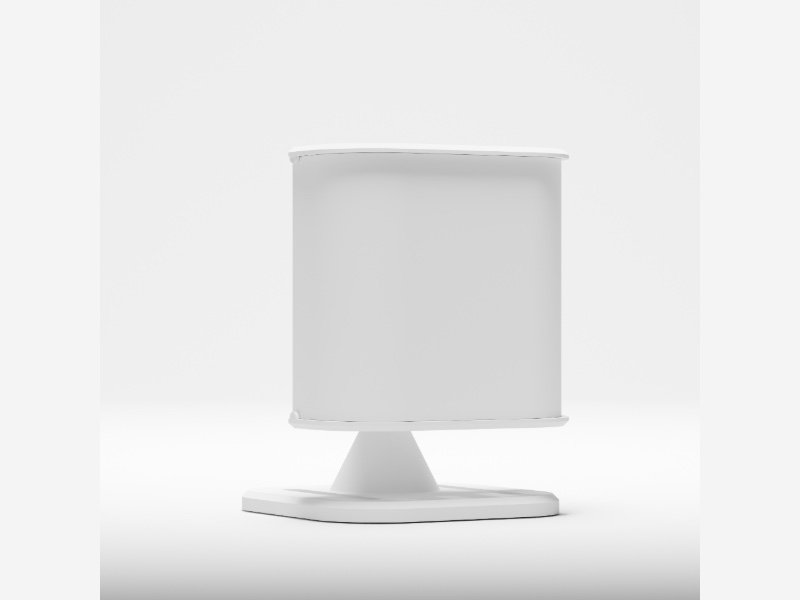
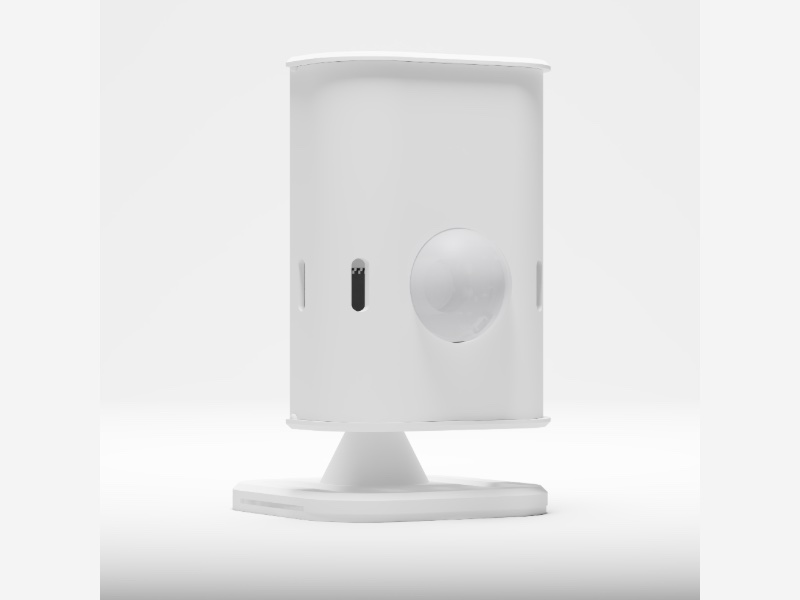
- Everything Presence Lite: Wi-Fi, ESPHome; multi-target tracking and zones, light level, Bluetooth proxy; supports several radar modules. £28 in the Everything Smart store.
- Everything Presence One: adds a PIR for a lightning-fast first reaction, temperature and humidity; 24 GHz radar, ESP32. £47 for the kit.
- Best for: teams that run Home Assistant and want full local control and fine tuning.
Generic Tuya radar sensors (ZY-M100 and clones)
Cheap Zigbee radars sold under many names. They can work well once tuned in Zigbee2MQTT, but quality varies between batches, some versions use 5.8 GHz instead of 24 GHz, and some Tuya-based radars report several times per second, which can overload a Zigbee network. Fine for a test room; we do not recommend them for a whole office.
How fast do they react? Our forecast
Manufacturers rarely publish “time from entry to action”, so we estimated it from how each sensor detects people and how it talks to the network. Treat these as a forecast to check on site, not lab measurements.
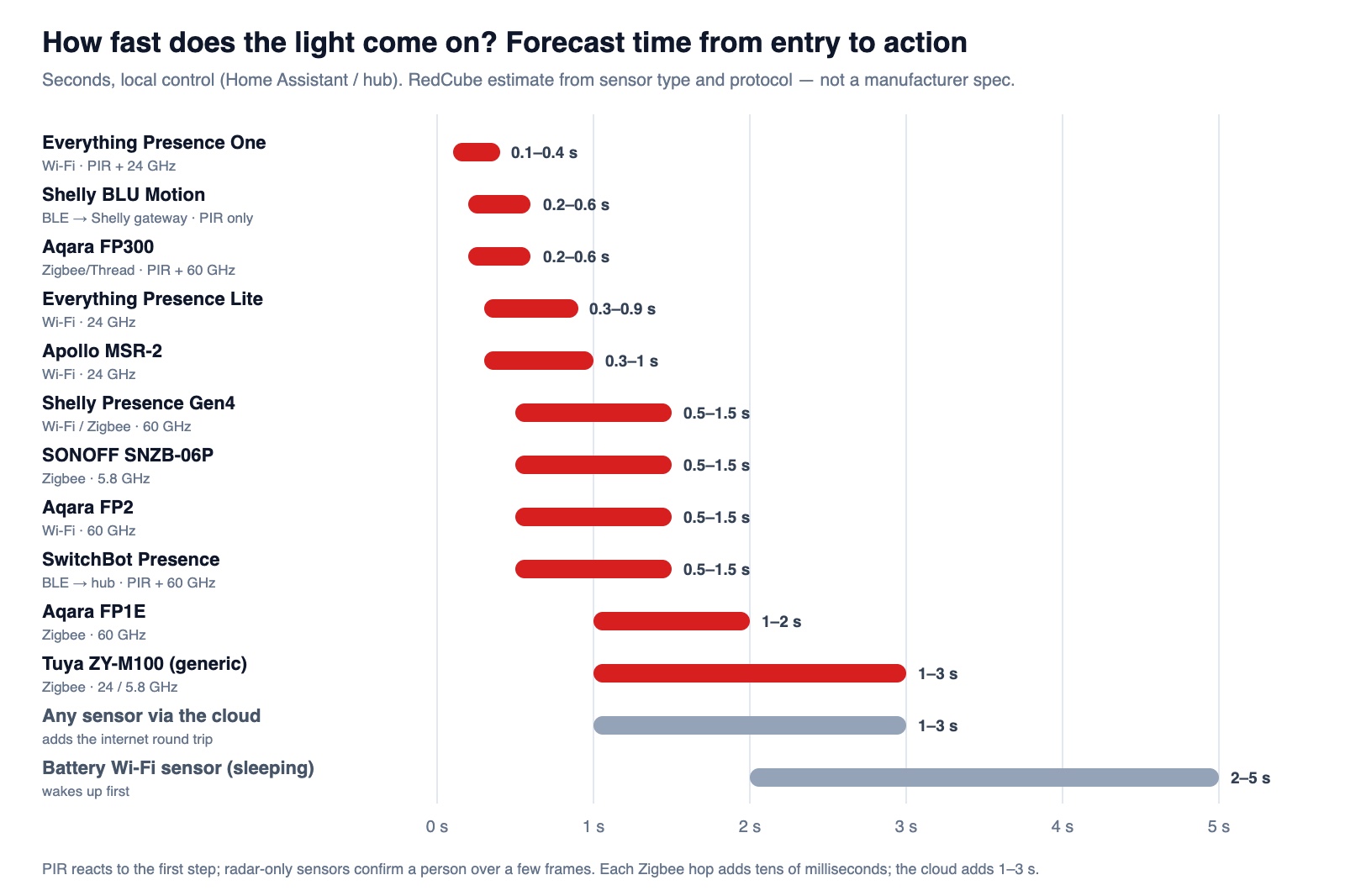
- Sensors with a PIR (Everything Presence One, Aqara FP300, Shelly BLU Motion) react to the first step: 0.1–0.6 s. The light is on before the door closes.
- Radar-only sensors wait a few radar frames to be sure it is a person: 0.3–1.5 s for good models, up to 2–3 s for basic ones.
- The cloud adds 1–3 s and stops working when the internet is down. Run automations locally — in Home Assistant, a local hub, or the sensor itself.
- Battery Wi-Fi sensors first wake up and reconnect: 2–5 s.
- “Room is empty” is a setting, not a speed. Radar sensors usually wait 10 seconds to a few minutes before reporting “clear”. For offices we start with 2–5 minutes, so lights never switch off on someone reading.
Where presence sensors pay off in a business
- Meeting rooms: “busy / free” on a screen at the door or in the calendar, lights and air conditioning only while someone is inside, a CO₂ alert during long meetings.
- Restrooms and storage rooms: lights and exhaust fans that never switch off on a person and never stay on all night.
- Medical and dental offices: “room occupied” for staff, heating and cooling of exam rooms only when used — with no cameras and no patient data.
- Restaurants and shops: back offices, stock rooms and walk-in areas; an after-hours alert when someone is inside the closed store (a helpful notice, not a replacement for a certified alarm).
- Warehouses: lights by aisle and zone; combined with the network and cameras we install, as in our network case study.
How to put them on a business network safely
- Separate network for devices. Wi-Fi sensors go on their own IoT network (VLAN) with no access to office computers — the same approach we use for guest Wi-Fi on UniFi.
- One local controller. Home Assistant on a small server or a virtual machine runs all automations locally and keeps working without the internet.
- Zigbee coordinator in the middle of the building, ideally a network (Ethernet/PoE) coordinator instead of a USB stick in the server room. Mains-powered Zigbee devices repeat the signal; add a few where the mesh is weak.
- Keep Zigbee and Wi-Fi apart in the air. Both use 2.4 GHz: pick a Zigbee channel that does not overlap your Wi-Fi channels (we plan this together with the Wi-Fi survey — see why it matters).
- Update firmware and remove cloud accounts you do not need; keep an inventory of every sensor like any other IT device.
Our quick picks
| You need | Our pick |
|---|---|
| Zones and several people in one big room | Aqara FP2 or Shelly Presence Gen4 |
| No outlet where the sensor must go | Aqara FP300 (Zigbee or Thread) |
| Many small rooms on a budget | SONOFF SNZB-06P on Zigbee |
| Instant light in corridors | Shelly BLU Motion or another PIR, plus a radar where people sit |
| Meeting rooms with air quality | Apollo MSR-2 with the CO₂ add-on |
| Full local control and tuning in Home Assistant | Everything Presence One / Lite |
We design and install networks, Wi-Fi and smart-building automation for offices, dental practices, restaurants and stores in Delaware and Pennsylvania.
Frequently asked questions
What is the difference between a motion sensor and a presence sensor? +
A motion (PIR) sensor reacts to movement and loses a person who sits still. A presence sensor uses mmWave radar to notice breathing and small movements, so it knows the room is still occupied.
Zigbee or Wi-Fi presence sensors — which is better? +
For many sensors and for battery models, Zigbee (or Thread/Bluetooth). For a few powered sensors with zones and people tracking, Wi-Fi. Many businesses use both.
How long do batteries last? +
Zigbee, Thread and Bluetooth models are rated from about a year to several years (Aqara FP300 up to 3 years on Zigbee, Shelly BLU Motion up to 5 years). Battery-powered Wi-Fi sensors in our installs lasted about two months.
How fast does a presence sensor turn on the light? +
Our forecast: 0.1–0.6 s for sensors with a PIR, 0.3–1.5 s for good radar-only sensors, plus 1–3 s if the automation runs through the cloud. Battery Wi-Fi sensors need 2–5 s to wake up.
Do presence sensors record video or sound? +
No. Radar and PIR sensors only report presence, position or motion — no image and no sound, which makes them a good fit for restrooms, exam rooms and offices.
Do they need the internet? +
Not if you set them up locally (Home Assistant, a local hub, or Matter). Local automations are faster and keep working during an internet outage.
Planning smart lighting or meeting-room sensors?
We pick the right sensors for each room, put them on a secure network and set up local automations that keep working without the internet.