Blog · Video surveillance
UniFi Protect vs Reolink vs Hikvision: Security Cameras for Small Business
Price for an 8-camera system, management, subscriptions and compliance — and why we put cameras and network in one UniFi console.
Security cameras are one of the first things a small business buys — and one of the systems it regrets most often: a recorder in a closet that nobody updates, an app only the owner can open, cameras that stop recording and nobody notices for weeks.
We install and support all three systems our clients ask about: UniFi Protect (Ubiquiti), Reolink and Hikvision. Here is how they compare in price, management and risk — and why UniFi is our first choice for most businesses.
Price comparison: what 8 cameras really cost
| Reolink | Hikvision | UniFi Protect | |
|---|---|---|---|
| Camera | $62.99 (RLC-510A, 5MP) – $118.99 (RLC-811A, 4K, 5× zoom) | about $95–$146 (DS-2CD2043G2-I, 4MP, at US resellers) | $129 (G5 Flex) · $179 (G6 Instant) · $199 (G6 Bullet / Turret, 4K) · $499 (AI Pro) |
| Recorder | $349.99 (RLN8-410, 8 PoE ports) | about $237–$284 (8-port PoE NVR, no drive) | $279 (Cloud Gateway Max: router + recorder) or $299 (UNVR, 4 drive bays) |
| PoE switch | not needed — in the NVR | not needed — in the NVR | $109–$199 (USW-Lite-8/16-PoE), or your existing UniFi switches |
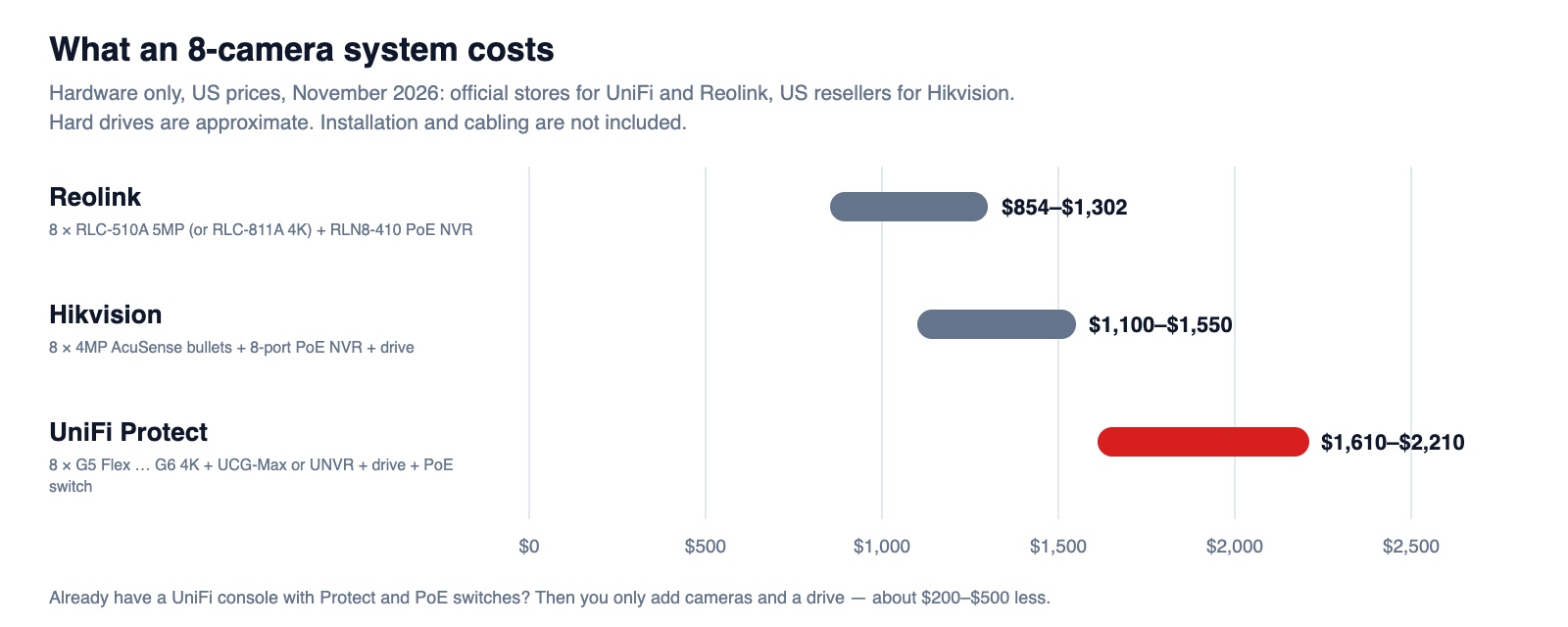
| 8-camera system | $854–$1,302 | $1,100–$1,550 | $1,610–$2,210 |
| Subscription | none for local recording | none | none |
Prices: official US stores of Ubiquiti and Reolink, November 2026; Hikvision is sold through dealers, so its range comes from US reseller listings. Hard drives are our estimate (about $100–$120 for a surveillance drive).
UniFi Protect — our top pick: everything in one place
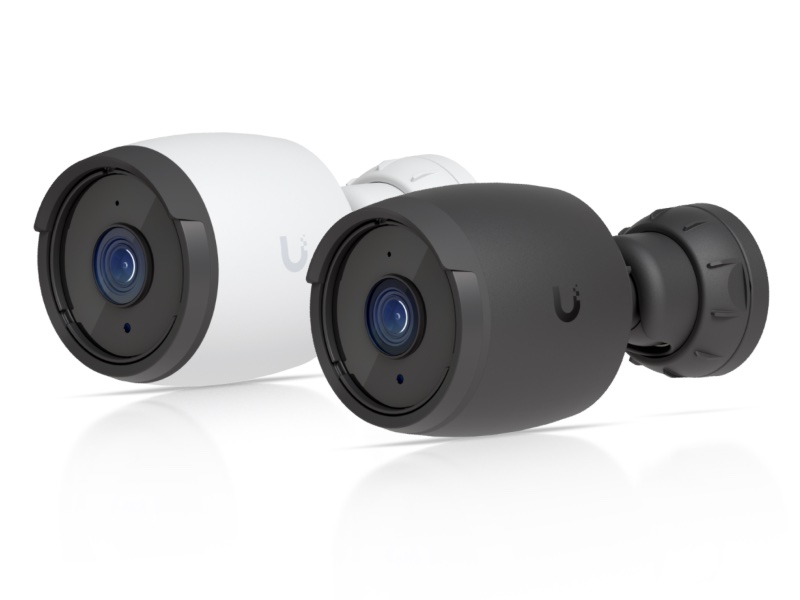
The reason we choose UniFi is simple: cameras, network, Wi-Fi, door access and the recorder live in one console. The same UniFi app that shows your internet connection and Wi-Fi shows every camera, which switch port it is plugged into, how much PoE power it draws and whether it is recording.
- Managed with the network: one login, one place for firmware updates, user access and alerts. A camera that goes offline shows up as a network problem you can see — and often fix — remotely.
- No subscriptions: video is stored on your own console; remote viewing through the UniFi app is included.
- AI detections on the camera: people, vehicles and more, with search by event instead of scrolling through hours of video.
- Grows without new apps: doorbells, door access, intercoms and more cameras join the same system; several sites in one dashboard.
- A small office can start with one box: the Cloud Gateway Max ($279) is the router and the camera recorder; larger sites use a UNVR ($299) with four drive bays.
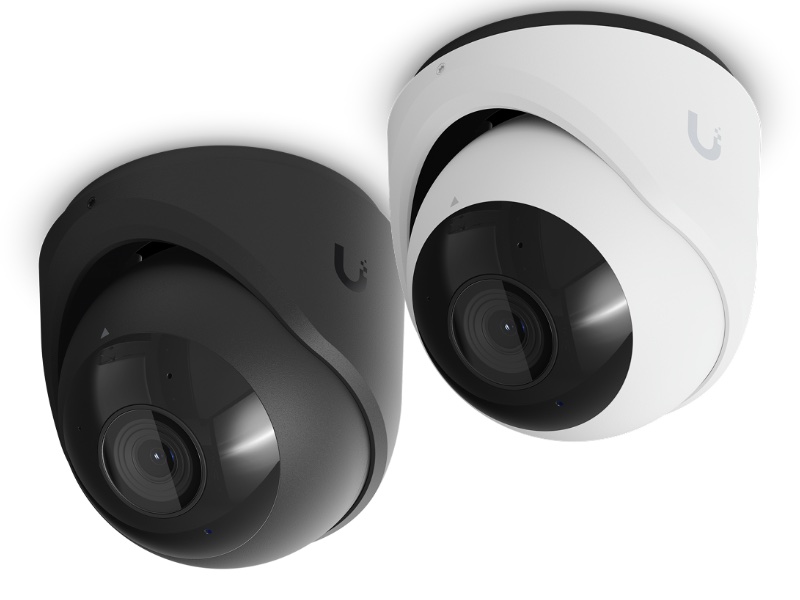
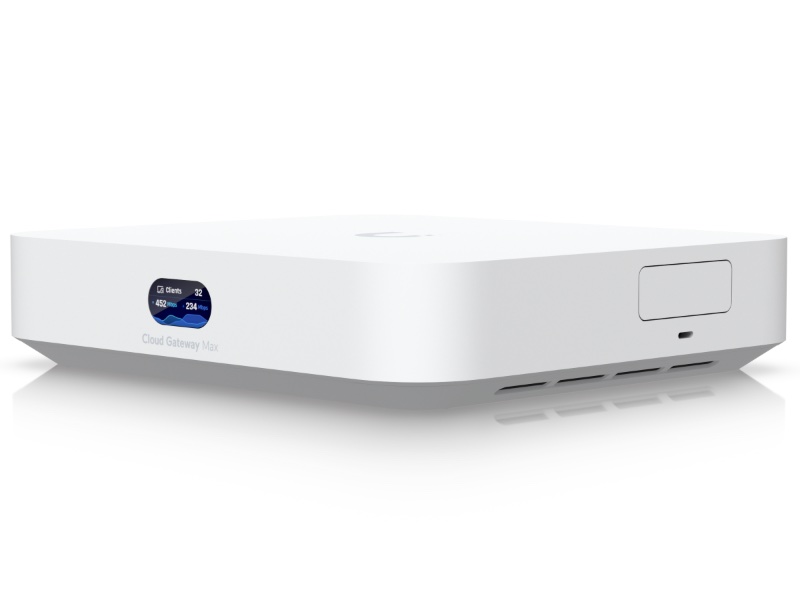
The trade-offs: it costs more than Reolink, and it is a closed ecosystem — UniFi cameras work best with a UniFi console. For businesses that already run UniFi switches and Wi-Fi, the cameras simply plug into what is there.
Reolink — the cheapest way to get good cameras
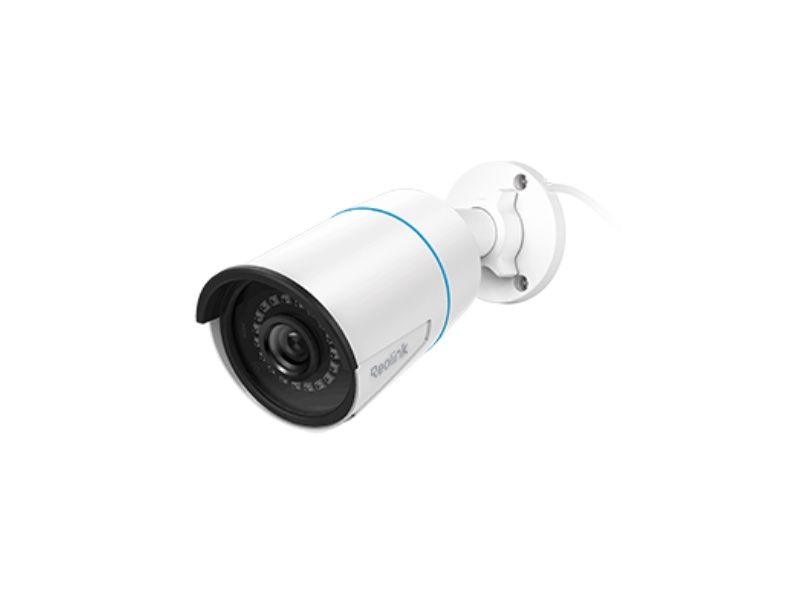
- Price: the lowest of the three — a full 8-camera system starts under $900.
- Plug and play: the RLN8-410 recorder has 8 PoE ports built in — plug the cameras into it and they record 24/7.
- Open enough: RTSP and ONVIF, and a native Home Assistant integration if you automate lights or alarms.
- The trade-offs: it is a separate system with its own app and accounts, next to your network rather than part of it. Updates, users and health checks are done per device; on a busy site that becomes manual work.
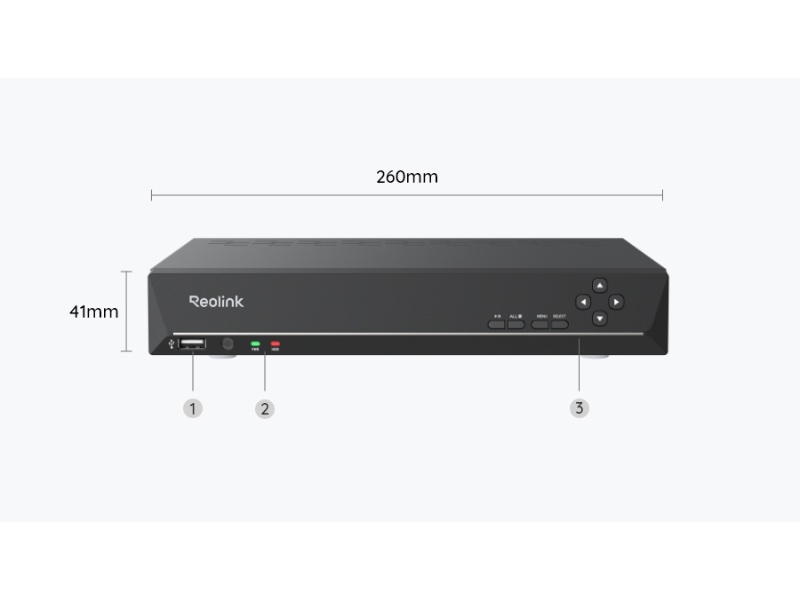
Good for: a small shop, a home office, a warehouse corner or a budget where every dollar counts.
Hikvision — great image, but a compliance risk
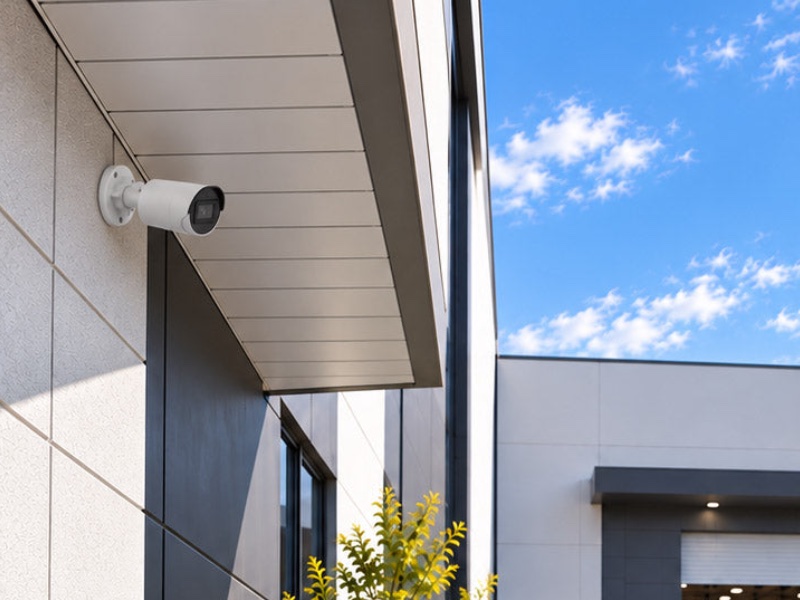
Hikvision makes capable cameras with strong night images and a huge range of models, and many existing buildings already have them. But in the US the brand comes with rules you have to know:
- FCC Covered List. Hikvision is on the FCC’s Covered List; the FCC has not authorized new Hikvision models since 2022, and in 2026 it restricted the import and marketing of previously authorized Hikvision and Dahua equipment for public-safety, government-facility and critical-infrastructure security uses.
- Federal contracts. Section 889 of the NDAA bars federal agencies — and companies that contract with them — from using Hikvision equipment.
- Security history. Hikvision firmware has had serious flaws that attackers actively used, including one listed in CISA’s catalog of exploited vulnerabilities (CVE-2021-36260).
- Price is no longer an advantage: through US dealers an 8-camera Hikvision system costs more than Reolink.
Our approach: we do not install Hikvision in new projects. If you already have it, we isolate the cameras on their own network without internet access, update the firmware, and plan a step-by-step replacement — starting with the cameras that matter most. If you work with government, healthcare or critical infrastructure, check your contracts and insurance before you keep or buy it.
Which one should you choose?
| Your situation | Our recommendation |
|---|---|
| You want one system for network, Wi-Fi and cameras, managed remotely | UniFi Protect |
| You already have UniFi switches or a UniFi gateway | UniFi Protect — the cameras plug into what you have |
| Several locations in one dashboard | UniFi Protect |
| Tightest budget, one small site, a few cameras | Reolink with its PoE recorder |
| Existing Hikvision system | Isolate, update, and plan a replacement — do not expand it |
| Government contracts, healthcare or critical infrastructure | UniFi or another NDAA-compliant brand — not Hikvision |
Whatever you buy
- Put cameras on their own network (VLAN) with no access to office computers — and no direct internet access for cameras that do not need it.
- Change default passwords and update firmware on a schedule; check that every camera is still recording at least once a month.
- Plan storage: how many days you must keep video (insurance, leases, regulations) decides the drive size.
- Use PoE switches with enough power budget and a UPS, so cameras keep recording through short power cuts.
We design, cable and support camera systems together with the network they run on — see our warehouse video surveillance case study and our Ubiquiti network and cameras project. We work with shops and restaurants, dental practices and offices in Delaware and Pennsylvania.
Frequently asked questions
Which security cameras are best for a small business? +
For most businesses we recommend UniFi Protect: cameras, network and Wi-Fi in one console, no subscriptions, remote management. On the tightest budget, Reolink with its PoE recorder is a good standalone option.
How much does an 8-camera system cost? +
Hardware only, at November 2026 US prices: about $854–$1,302 for Reolink, $1,100–$1,550 for Hikvision and $1,610–$2,210 for UniFi Protect, including the recorder, a drive and — for UniFi — a PoE switch. Installation and cabling are extra.
Do UniFi or Reolink cameras need a subscription? +
No. Both record locally — UniFi on its console, Reolink on its recorder — and remote viewing in their apps is included.
Is Hikvision banned in the US? +
Not for every use, but it is on the FCC Covered List, no new models have been authorized since 2022, its sale for public-safety, government and critical-infrastructure security uses is restricted, and NDAA Section 889 bars federal agencies and contractors from using it. We do not install it in new projects.
Can I keep my existing Hikvision cameras? +
If your contracts and insurance allow it, isolate them on a separate network without internet access, update the firmware and plan a gradual replacement.
Planning cameras for your business?
We help you pick the system, plan coverage and storage, and install it on a secure network.